
The chord on screen
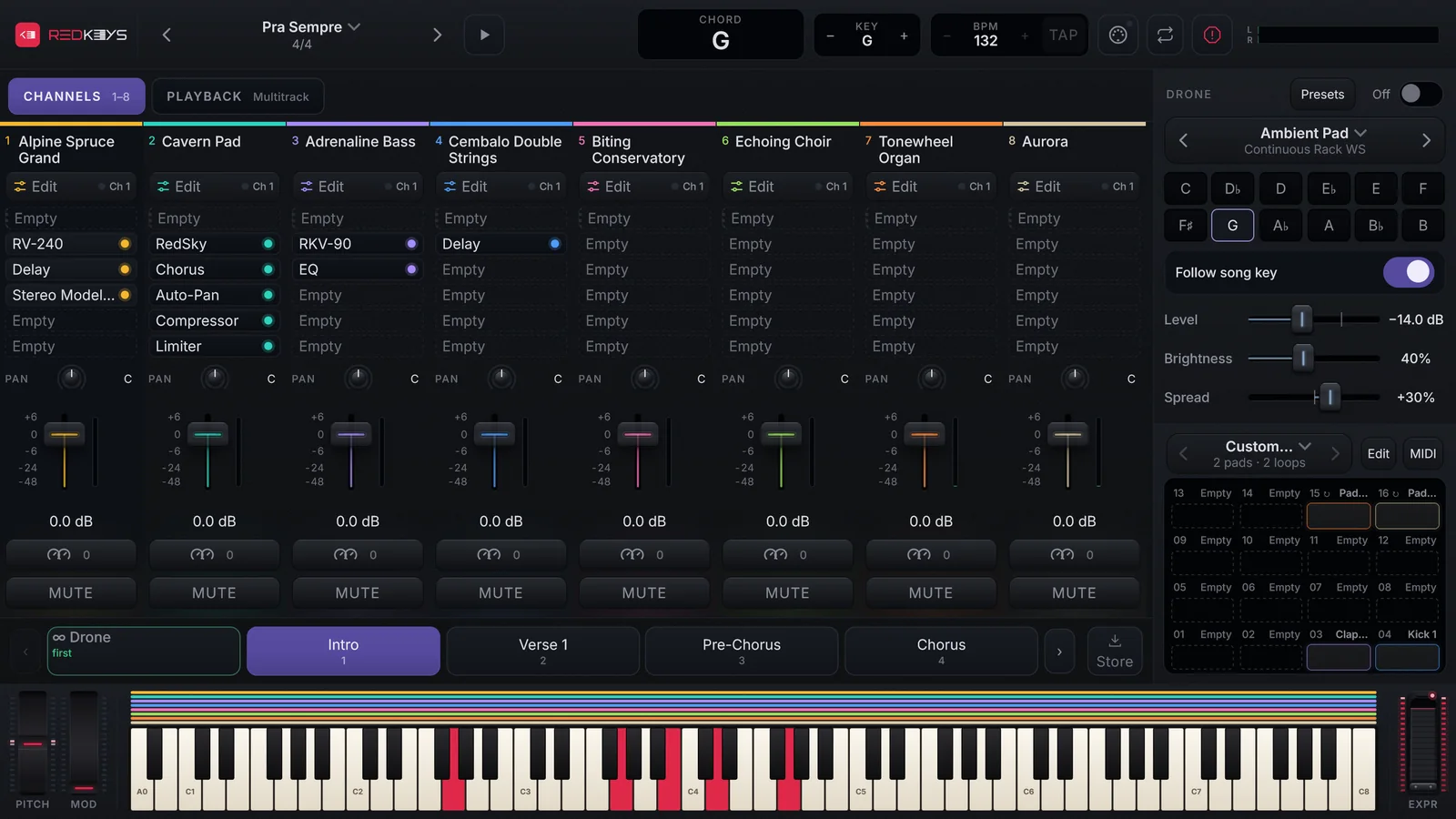
See the name of the chord you are playing, in the key the song actually sounds in.
REDKEYS recognises the chord you hold and shows its name in CHORD, on the top bar. It helps you check a chord mid-song or call the harmony to the band.
How it reads
- It needs at least 3 different notes. With one note it shows the note; with notes that make no chord, it lists the notes.
- It recognises 28 chord types, also without the fifth.
- It shows the inversion with the bass, such as C/E.
- It shows what actually sounds: KEY and transpose are already added in.
- It spells the notes in the song’s key (Bb or A#, depending on the key).
- It reads the selected channel only.
In the Phone layout
The phone has no CHORD box: while you hold notes, the chord shows in place of KEY.