
Metronome and count-in
Choose the click's sound, levels and subdivisions, and when it plays.
The REDKEYS metronome goes out through the private Click bus: it goes to your headphones or monitor, never to the PA. With Play, it plays whenever the setting says, Drone first included. Stopped, it is silent.
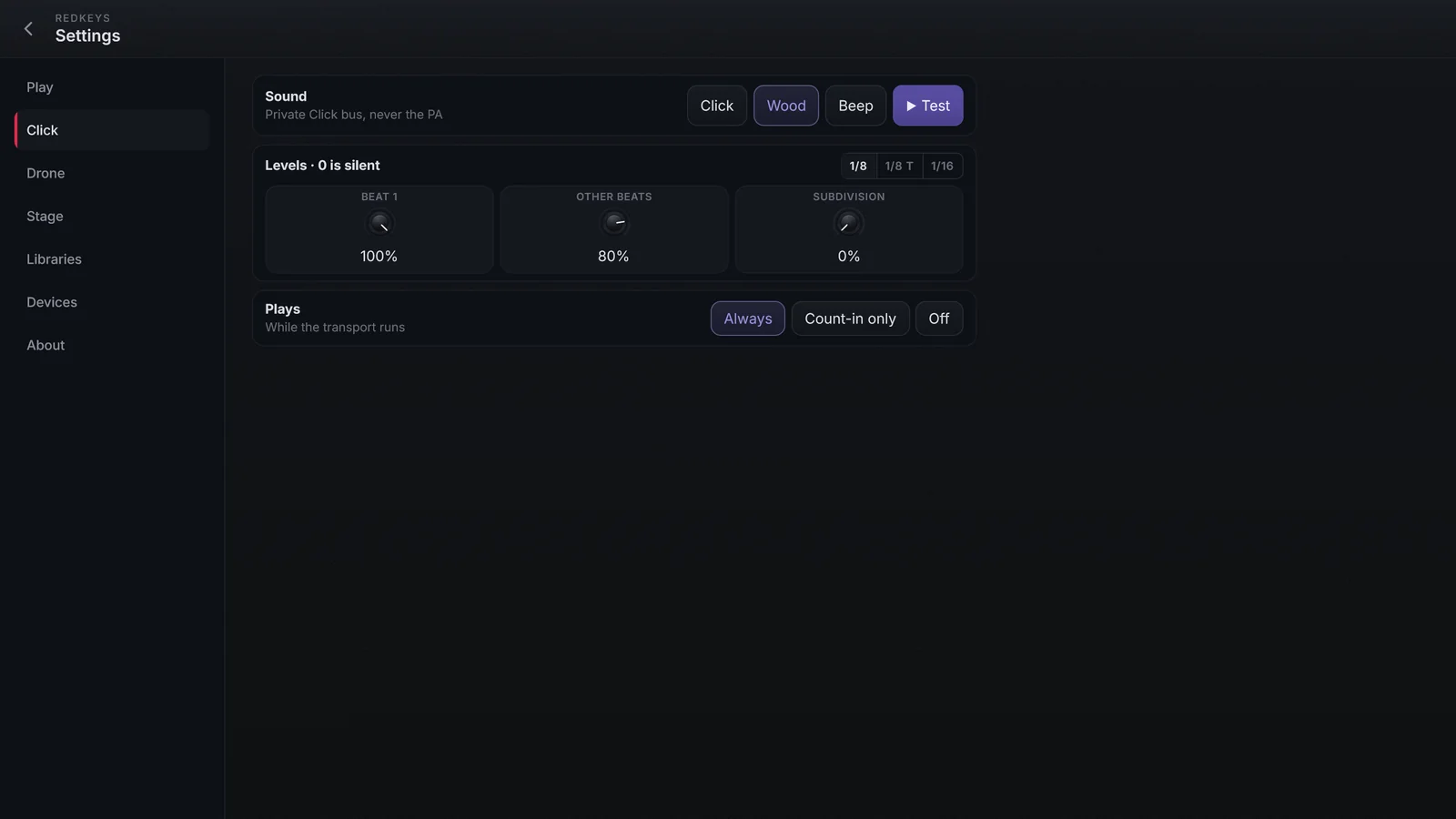
Set up the click
In Settings › Click:
| Setting | Options |
|---|---|
| Sound | Click, Wood or Beep. ▶ Test plays one bar in the song's tempo. |
| Levels | Beat 1, Other beats and Subdivision. At 0, that hit is silent. |
| Subdivision | 1/8, 1/8 T (triplet) or 1/16. |
| Plays | Always (while the transport runs), Count-in only (only in the count-in and Drone first) or Off. |
The count-in
In Settings › Play › Count-in, choose Off, 1 bar or 2 bars. During the count-in only the click plays, and the Play button shows the beat (1 2 3 4). The part starts at the end of the count-in.
Click with a backing track or multitrack
In a multitrack, the app's metronome plays, locked to the click stem's beats. In a backing track, the click is the file's own; in Drone first, before the file starts, the app's click sounds.