
Desktop, Tablet and Phone: the three layouts
Pick the layout and the window size; the screen is always landscape.
REDKEYS is always landscape and has three layouts of the same app. Everything works the same in all three; only the arrangement changes.
| Layout | What it is |
|---|---|
| Desktop | The whole computer screen, in its proportion. Opens maximised. |
| Tablet | 4:3 (1024 × 768). Mixer, Drone and DrumPads together. |
| Phone | A phone lying down (800 × 360). One view at a time, picked in the bar on the left. |
Change the layout
- In the REDKEYS window bar, choose Options.
- Under Layout, choose Desktop, Tablet or Phone.
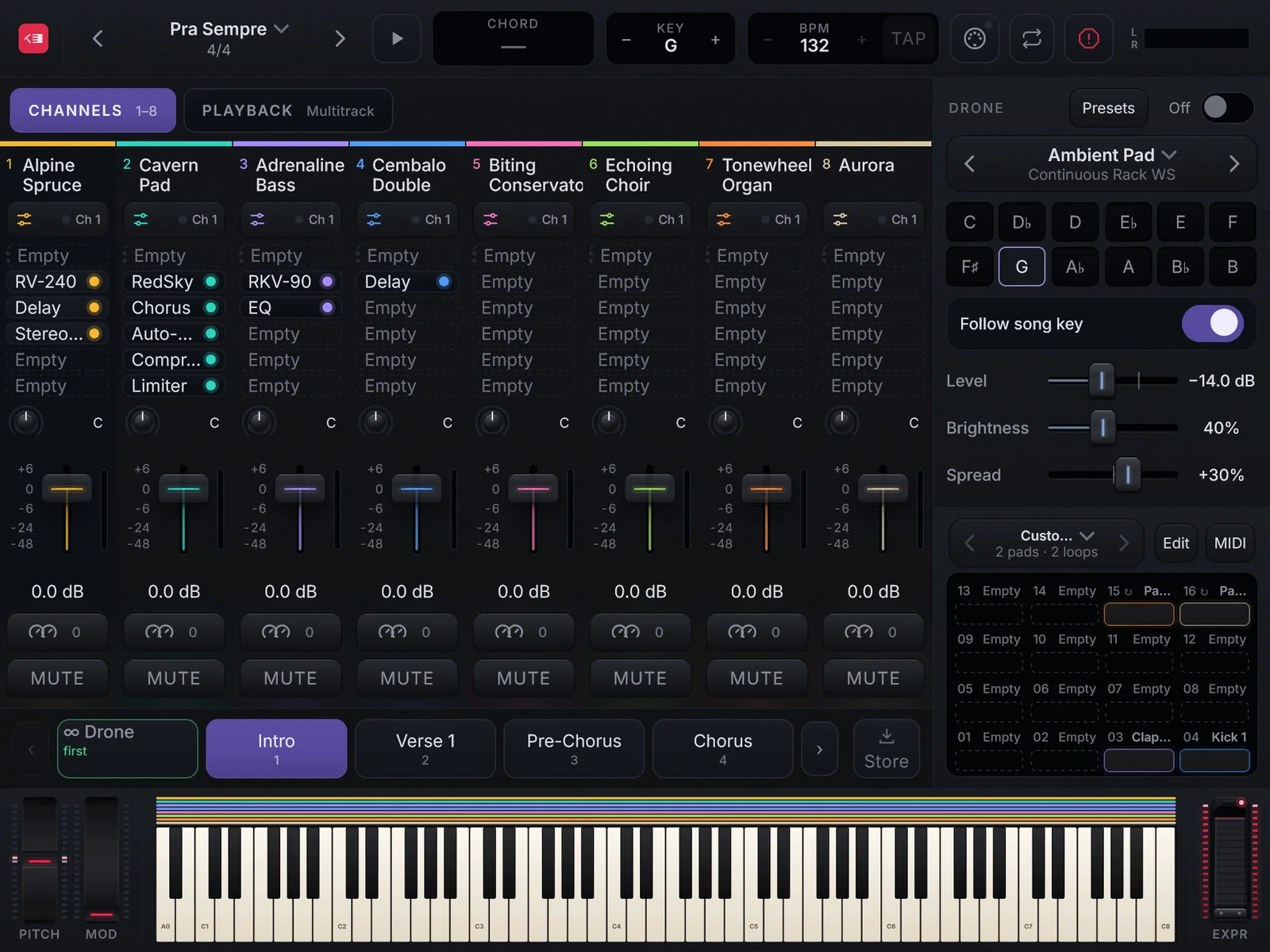
The window size
- Dragging an edge makes the whole screen bigger or smaller, always in the same proportion: nothing rearranges or breaks.
- Options › Window size: Fit to screen (the screen’s free area), 100%, 75% or 50%.
- The maximise button is Windows’ own; a second click goes back to the size before.
- F11 turns full screen on and off.
- REDKEYS reopens in the layout and size you left it in.